Solo creators rarely fail from a lack of ideas. They fail because producing content every day is exhausting. Switching between planning, recording and editing all week is slow and tiring. Batching, which means doing each stage in a block, turns content creation into a few focused sessions a month.
The short version: plan the month on paper first, set up your recording space once, record in blocks of similar formats, and edit and schedule in separate blocks.
Plan the month first
Spend an hour before you record anything:
- Collect topics. List the questions your audience asks and the results you have delivered.
- Choose a mix. Balance teaching, storytelling and occasional offers across the calendar.
- Write hooks and outlines. Prepare an opening line and three bullet points per piece before shoot day. Outlines keep you on track without sounding scripted.
- Decide the formats. Short clips, long videos, audio and written posts need different setups.
Set up for shoot days
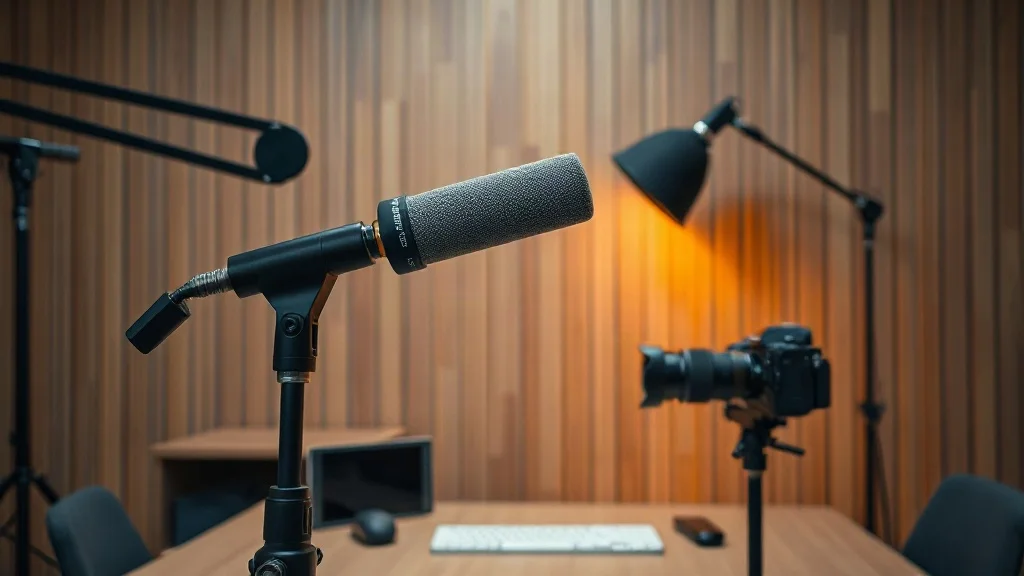
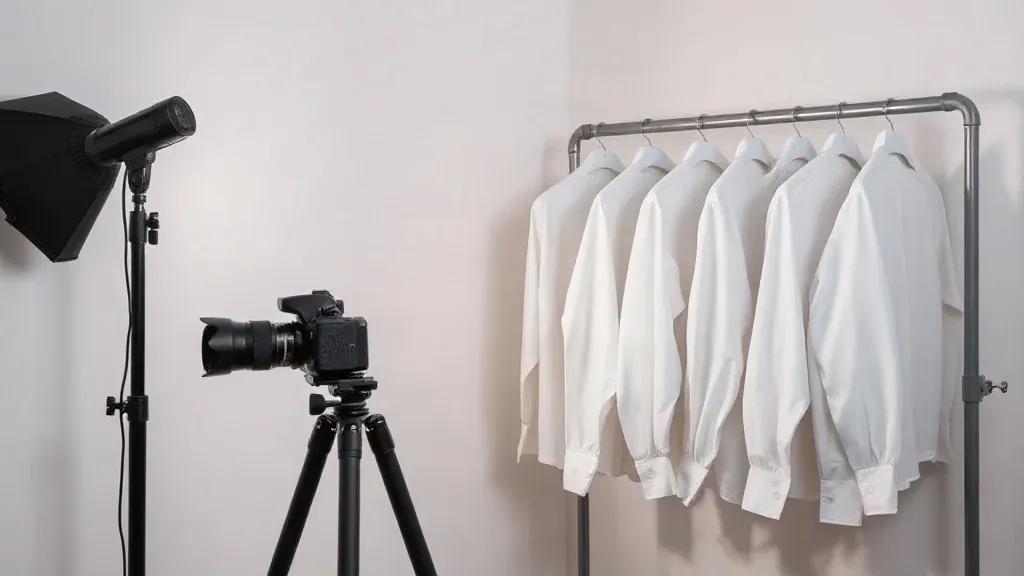
Fix your camera, lighting and microphone in one spot and leave them untouched. Keep a few outfit changes and backgrounds so videos feel varied. Test audio at the start and after each break, and do a quick check that the camera is recording and the battery is charged.
If you are choosing gear, our best gear guide covers microphones, cameras and lighting.
Record in blocks
- Group similar formats. Record all the talking-head clips together, then any screen recordings.
- Keep energy up. Take breaks, drink water and do a short warm-up before each block.
- Slate each clip. Say the title at the start of each take, or clap, so editing is easy to organise.
- Do one more take of key lines. Hooks and calls to action are worth repeating.
- Back up as you go. Copy files to a second drive at the end of each session.
Our podcast recording workflow has more tips for audio sessions.
Edit in a separate block
Do not edit while you record. Keep the creative and the technical sides apart. Text-based editors such as Descript let you edit by transcript, which speeds things up. Edit in batches by format, using templates for titles, captions and thumbnails.
Schedule and distribute
Load finished pieces into a scheduling tool, and spread them across the month. Our repurposing flywheel explains how to cut one long recording into clips, posts and newsletters.
A sample two-day plan
- Day 1 morning: set up, test and record the first group of pieces.
- Day 1 afternoon: record the second group.
- Day 2 morning: record screen recordings and fill gaps.
- Day 2 afternoon: log and back up the footage, and plan the edit order.
Editing then happens over the following days in its own block.
Common mistakes
- Recording without a plan, then rambling.
- Changing the setup between clips, which makes editing harder.
- Recording too much in one day and losing energy.
- Forgetting to back up your footage.
- Skipping the edit and posting raw footage.
Questions people ask
How much content can I record in a day?
It depends on the format. Many people record a month of short clips or several long pieces in one or two days. Start small and increase as you gain confidence.
Will batching make my content sound stale?
Not if you leave room for timely topics. Keep a few slots open each month for current events or questions from your audience.
Do I need a team to batch?
No. A simple checklist and a fixed setup are enough for most solo creators.
What should I do if I make a mistake?
Pause, pause again, then repeat the line. Clean breaks are easy to find and cut.