Talking to a microphone alone is harder than it looks. Without a guest to bounce off, your energy can sag, your pace can drift and small mistakes pile up in editing. A clear routine keeps your energy up, your audio clean and your editing time short. A consistent process makes a modest setup sound professional.
The short version: prepare an outline instead of a script, set your levels and run a test recording, record with a steady distance from the microphone, and make a backup recording every time.
Before you hit record
- Outline, do not script. Write the key points and a strong opening. Reading a full script often sounds flat, while a bulleted outline keeps you natural.
- Prepare the room. Silence notifications, close windows and switch off fans, fridges and other noisy appliances. Soft surfaces such as rugs, curtains and bookshelves reduce echo cheaply.
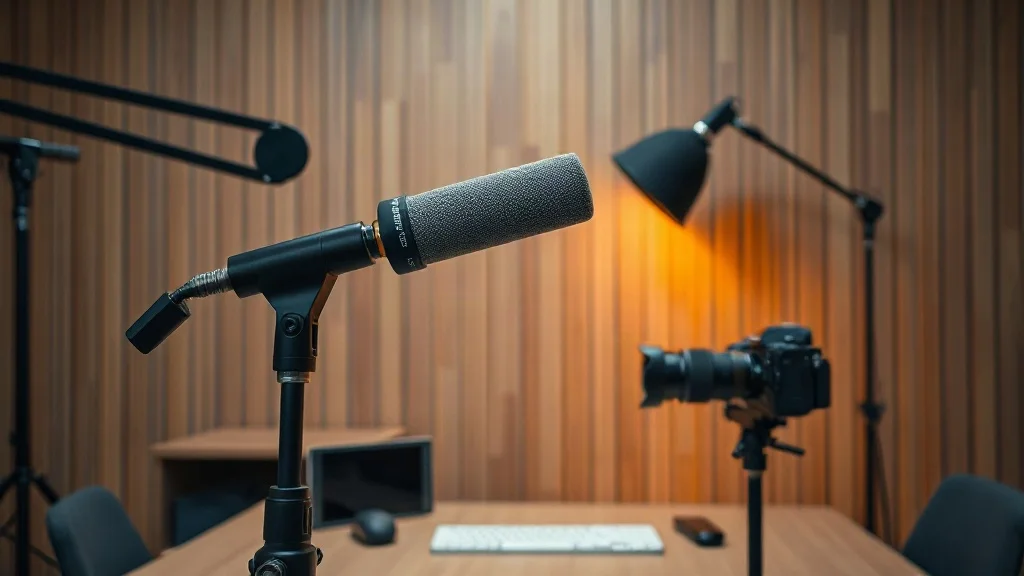
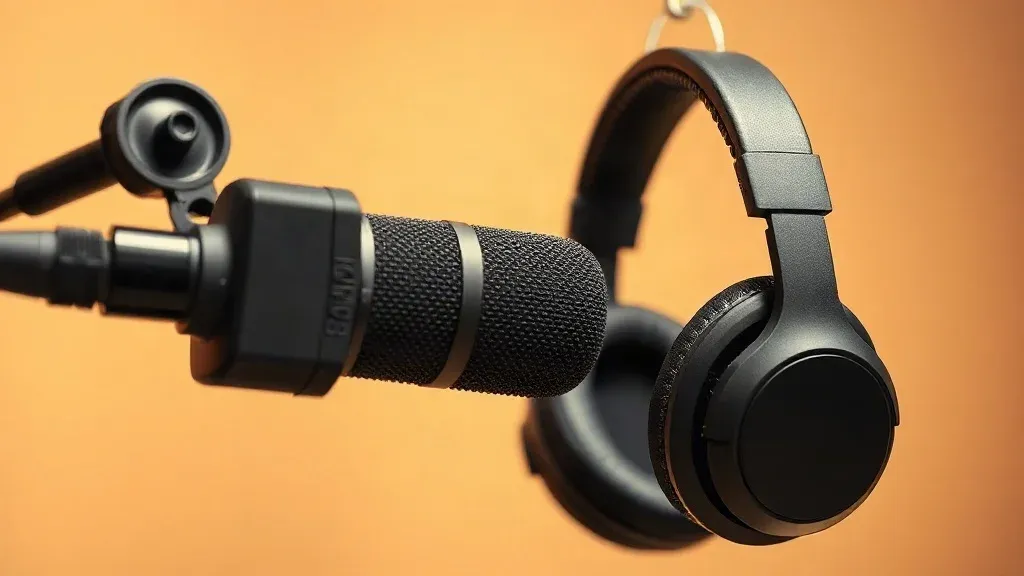
- Set up the equipment once. Place the microphone on a stand or boom arm so you are not holding it. Use closed-back headphones so you can monitor without feedback.
- Warm up. Drink water and spend a minute humming or reading aloud to loosen your voice.
For gear ideas, see our best gear guide.
Set levels and run a test
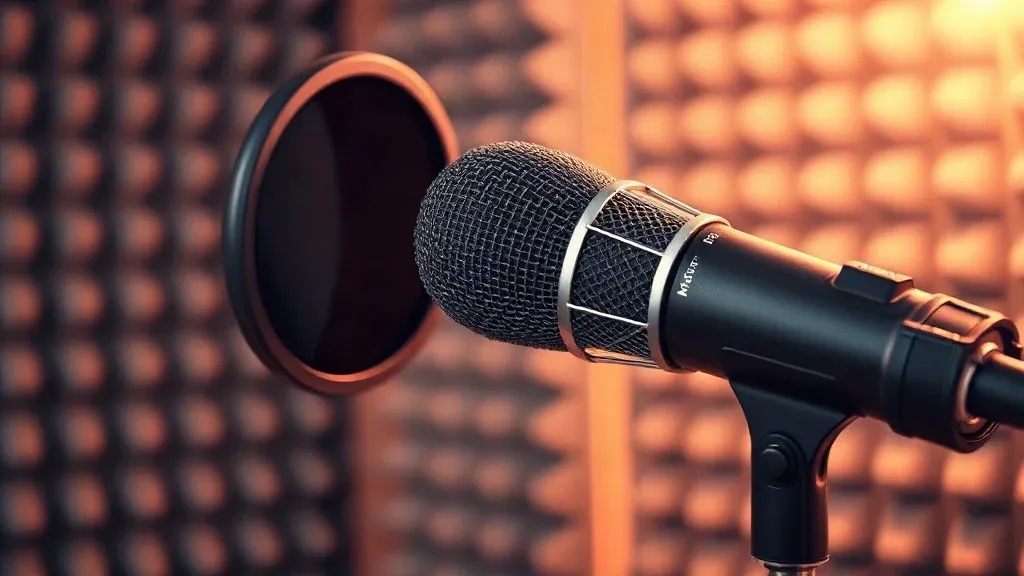
Speak at your normal volume and adjust the gain on your interface or microphone so that your loudest peaks sit comfortably below clipping, which is the harsh distortion you get when the signal is too loud. Record a short test, listen back with headphones, and fix any hiss, echo or sharp "p" and "b" sounds before you start the real take. A pop filter and a little distance from the microphone help with those sounds.
Record cleanly
- Keep a consistent distance. A few centimetres from the microphone, slightly off to one side, gives a steady sound.
- Pause instead of restarting. If you stumble, stop, pause for a moment and repeat the line. Editing is quick when the mistakes are easy to see on the waveform.
- Mark mistakes. Clap or say "mark" so you can find them fast.
- Hold your energy. Smile, stand up if it helps, and speak to one person, not a crowd.
- Record a backup. Run a second recording or a local backup in case of a crash or a dropped connection.
If you record with guests online, record each person's audio locally if you can, so an internet glitch does not ruin the sound. Tools such as Riverside.fm are built around this.
Edit efficiently
- Cut the big mistakes and silences first.
- Remove filler words only where they distract, because a few "ums" sound human.
- Level the volume so every section is at a steady loudness.
- Add intro and outro music if you use it, and check that you have the rights to use it.
- Listen on different speakers, including your phone and earbuds.
Text-based editors such as Descript let you edit by deleting words in the transcript, which saves a lot of time.
Publish and keep records
Export your episode at the format your podcast host recommends, then write the title, a short summary, key points and links. Save the project files and raw recordings in a folder named by date, with a backup copy elsewhere. Our solo podcaster stack shows how hosting, artwork and promotion fit around this workflow.
A simple weekly rhythm
- Plan the next episode while the last one is fresh.
- Record in one sitting, ideally at the same time each week.
- Edit within two days, while you remember what you said.
- Publish and promote on a fixed day so your audience knows when to expect it.
If your schedule is tight, batch recording lets you record several episodes in one session.
Common problems and fixes
- Echo: add soft furnishings, or move closer to the microphone.
- Hiss: lower the gain, or move closer and speak a little louder.
- Harsh "s" sounds: move slightly off-axis and keep distance steady.
- Background noise: record at quiet times of day and close doors.
- Running out of energy: shorten the episode, or take a break between sections.
Questions people ask
Do I need an expensive microphone?
No. A decent USB or dynamic microphone and a quiet room produce good results. Technique matters more than price.
How long should a solo episode be?
Long enough to cover the topic, and no longer. Many solo episodes run between ten and thirty minutes.
Should I use a script?
An outline works for most people. If you prefer a script, practise reading it naturally and add pauses.
How do I stop saying "um"?
Pause instead. Silence is easy to edit, and it sounds better than filler.