Even a great video fails if nobody clicks it. On YouTube, the thumbnail and the title work together as your storefront. They make a promise, and the video has to deliver it. Good packaging is a skill you can learn, and it improves every video you publish.
The short version: use one clear focal point, high contrast and a few large words in your thumbnail, write a title that states a real benefit and matches what people search for, and make sure the video delivers what the packaging promises.
Thumbnail principles
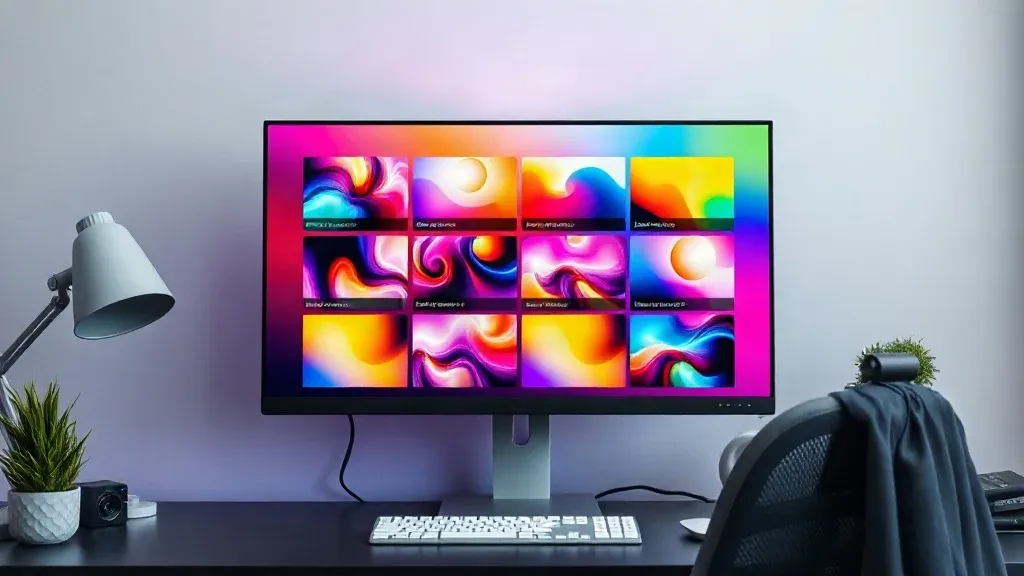
- One clear focal point. A face, an object or a single idea. Clutter loses attention, especially at small sizes on a phone.
- High contrast. Bold colours and clear separation between the subject and the background work well when the image is tiny.
- Readable at a glance. If you add text, keep it to a few large words that add to the title instead of repeating it.
- Expressive faces. If a person is in the thumbnail, a clear expression helps viewers understand the mood or the stakes.
- Consistent style. A recognisable colour and layout help returning viewers spot your videos.
- Check the size. The commonly recommended thumbnail size is 1280 by 720 pixels in a 16:9 shape. Check YouTube's Help Centre for its current file limits before you upload.
Writing better titles
State a clear benefit or spark honest curiosity. A good title usually does a few things:
- Puts the important words first, because long titles get cut off in search results and on phones.
- Matches what people search for, using the words your viewers would type. Our guide to SEO for one-person businesses explains how to find those phrases.
- Is specific. "How I edit a 20-minute video in two hours" beats "Editing tips".
- Stays short enough to be read at a glance.
- Avoids promises the video cannot keep.
Make the title and thumbnail work as a pair
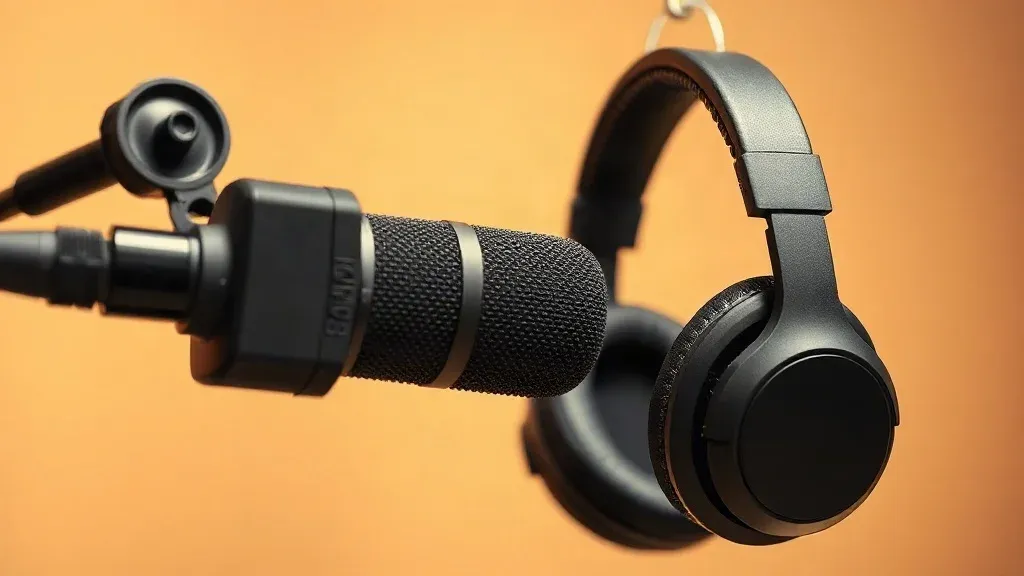
The thumbnail and the title should add to each other, not repeat the same words. For example, if the title says "How to Record Clean Audio at Home", the thumbnail might show a microphone and the words "No Echo". Together they tell a fuller story.
Be honest
Misleading packaging may win a click but loses trust and hurts viewing time. YouTube's systems pay close attention to whether people keep watching, and viewers who feel tricked leave quickly. Aim for a promise that is exciting and true, and deliver on it in the first thirty seconds.
Test and learn
Design two or three thumbnail ideas before you publish, and use YouTube's built-in testing tools where they are available to you. Review click-through rate and watch time together, because a high click rate with a low watch time means the packaging promises more than the video gives. Note which patterns work for your audience and reuse them.
A simple workflow
- Write the title first, and make sure it is honest.
- Sketch three thumbnail ideas on paper in a few minutes.
- Make the strongest one in a design tool, using a template so it is quick. A design tool such as Canva Pro lets you save a layout and reuse it.
- Check it small, on your phone, at a thumbnail's real size.
- Publish, then review the results after a few days.
Mistakes to avoid
- Too much text.
- Low-contrast colours.
- A thumbnail that does not match the video.
- Copying someone else's thumbnails without adding your own idea.
- Using images or music you do not have the right to use.
For the rest of your video process, see the solo creator's 4K editing pipeline and our batch recording guide.
Questions people ask
How many words should be in a thumbnail?
Three or four large words at most, and sometimes none at all.
Should I change a thumbnail that is not working?
Yes. You can update the thumbnail and title on an existing video, and a better one can revive it. Wait a few days after publishing so you have enough data first.
Do I need to show my face?
No. Many channels do well with objects, screenshots or graphics. Choose what suits your topic and your comfort.
Is clickbait ever fine?
Exciting, curiosity-driven packaging is fine when it is true. Misleading packaging is not, and it harms your channel.